
Calendar and queue
See every post on one calendar, move it by dragging, and follow each channel's queue.
Posts in the sidebar opens the calendar of the whole workspace. Each channel also has its own screen with the posts that belong to it.
The calendar
Switch between three views at the top:
- Week: hours down the side, days across.
- Month: one square per day.
- List: one row per post, with its channel and status.
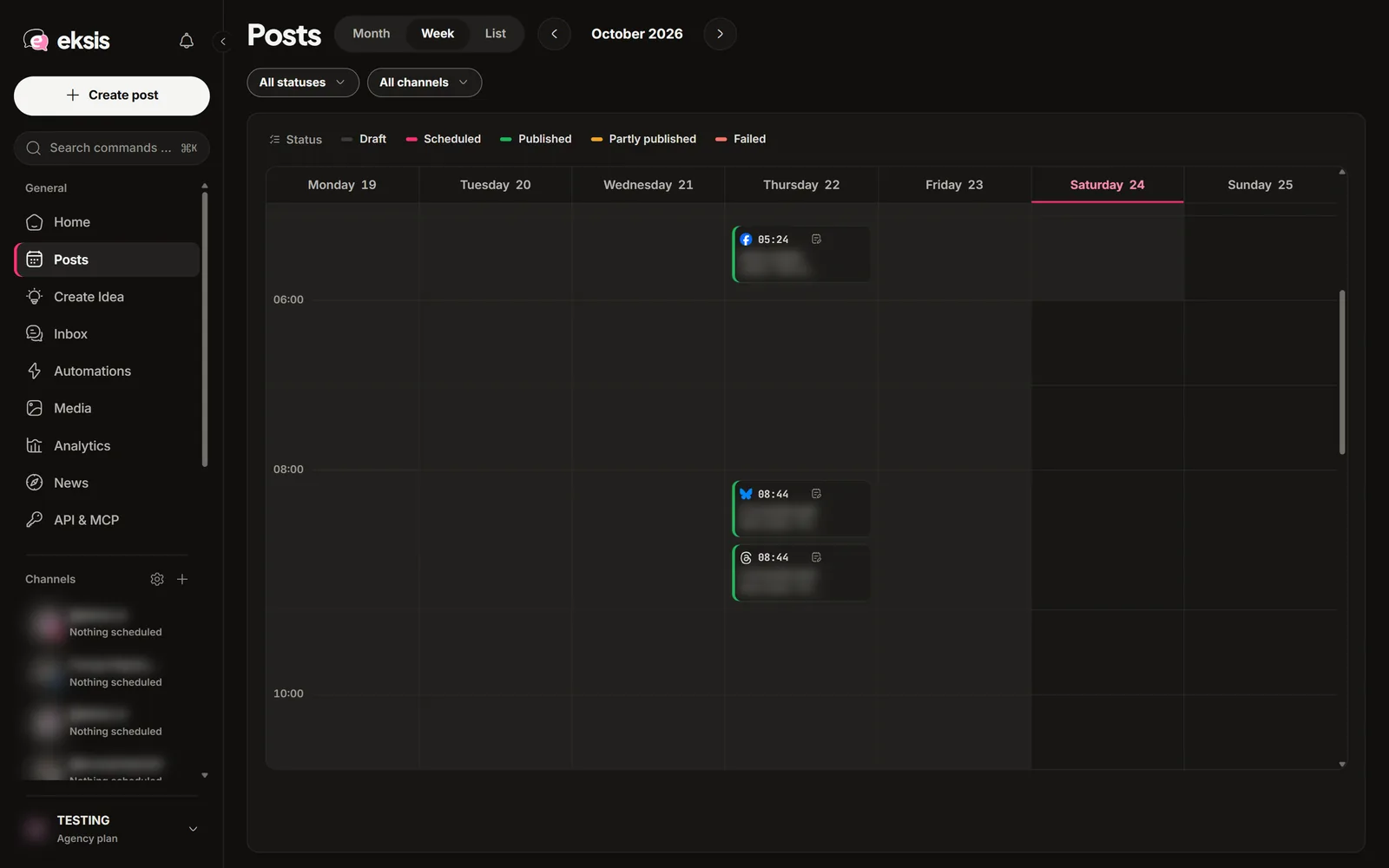
To create a post, select an empty time in Week view or a day in Month view. The composer opens with that time already set.
To move a post, drag its card to another time. eksis confirms the new time and offers an undo. Select a card to open Post details, where you can edit, duplicate, or delete it.
A channel's own screen
Select a channel in the sidebar. Its screen has five tabs:
| Tab | What it holds |
|---|---|
| Live | Everything published on the channel, scheduled in eksis or posted from the network's own app |
| Sent | Posts eksis published, each with its link on the network |
| Queue | Scheduled posts, earliest first |
| Approvals | Posts from contributors waiting for approval |
| Drafts | Unpublished drafts for this channel |
New post at the top of the screen opens the composer for that channel. Under the channel in the sidebar, Community opens its comments and messages, and Insights opens its numbers.
The queue
A queue is a set of weekly posting times for one channel, for example every Tuesday at 09:00. Add to queue in the composer gives the post the next free time on each selected channel, and the calendar shows the free times as empty slots you can select.
Queue times come from the API or MCP for now
Queue times are not set up in the app yet. Add them through the REST API (Add a queue slot, from Starter) or ask an AI assistant connected over MCP. Until a channel has queue times, eksis says "No queue slots for this account yet", and you pick a time with Schedule instead.
Post status
| Status | What it means |
|---|---|
| Draft | Saved, not scheduled |
| Awaiting approval | Written by a contributor, waiting for an editor, admin, or owner |
| Scheduled | Waiting for its time |
| Publishing | Going out right now |
| Published | Live on every channel |
| Partly published | Live on some channels, failed or on hold on others |
| Failed | Did not go out on any channel |
A post that failed shows the reason in Post details. See A post failed.